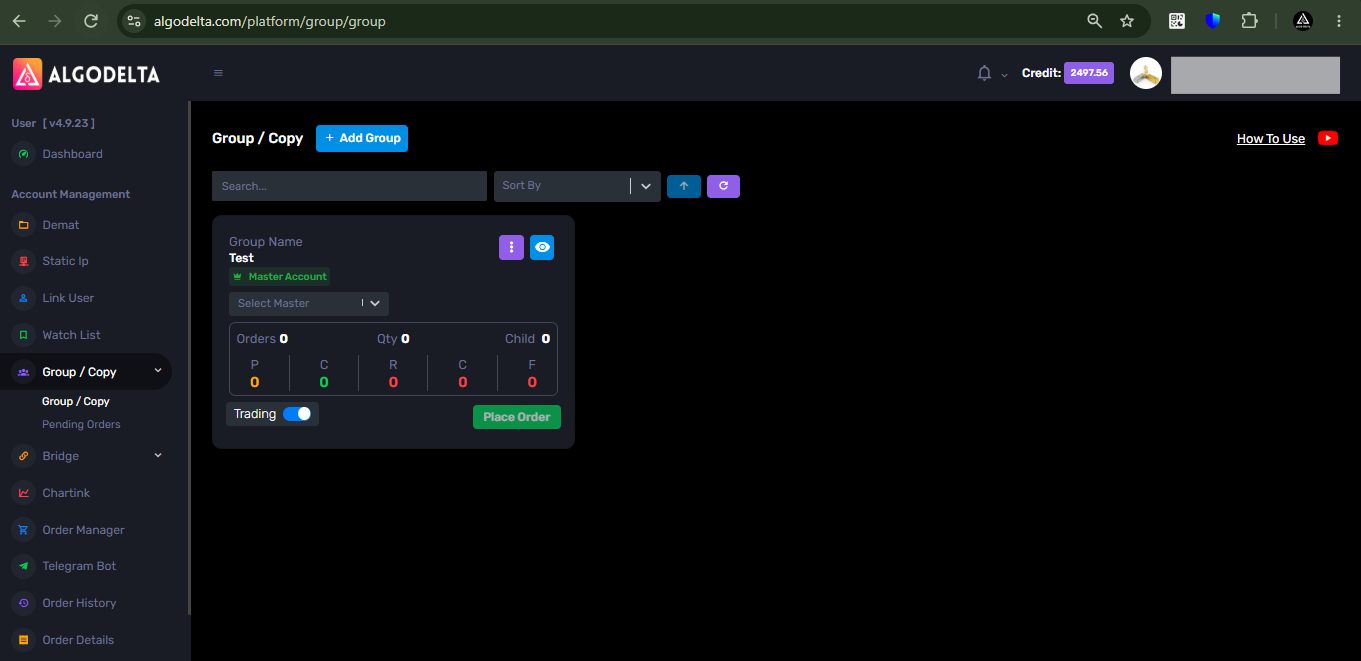
For paper trading, you just need to create one blank group without adding any master or child accounts. Then, add this group to the Order Manager, TradingView, Chartink, Watchlist, or any other AlgoDelta feature, and you can start paper trading. You will be able to track your P&L without placing any trades in a real trading account.
Below are the steps to start paper trading in AlgoDelta.
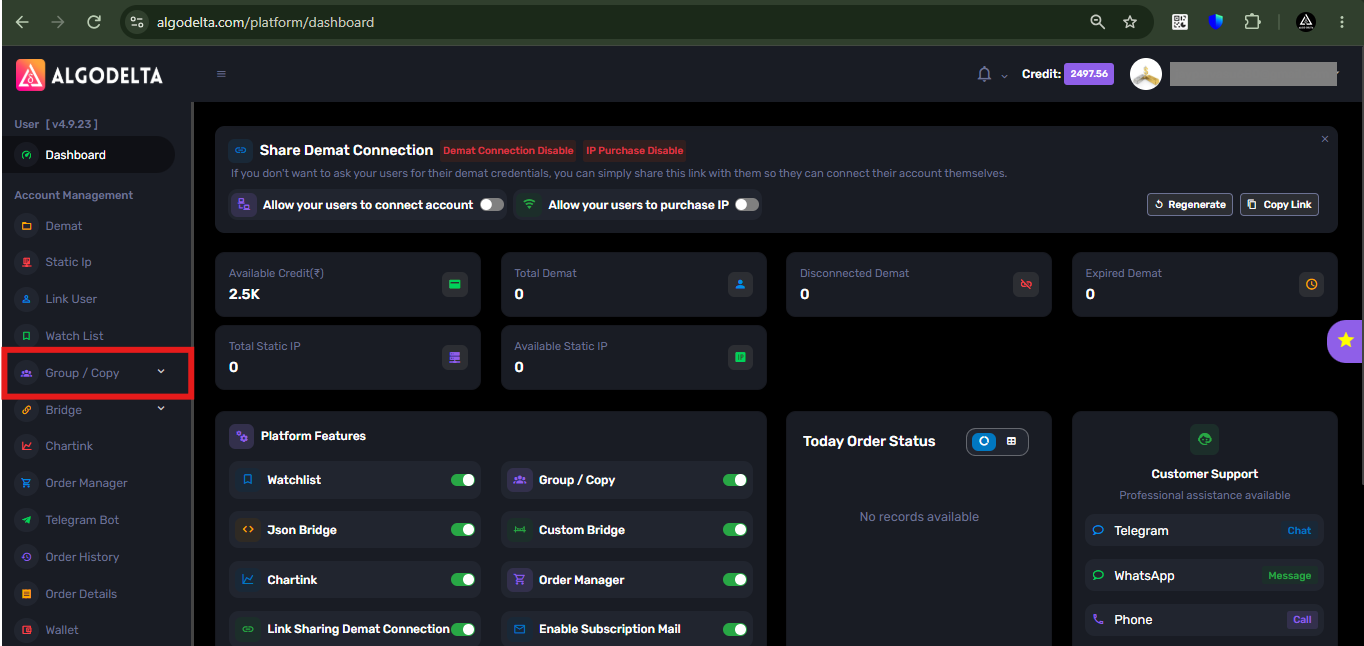
1 ) First, go to the “Group/Copy” tab.
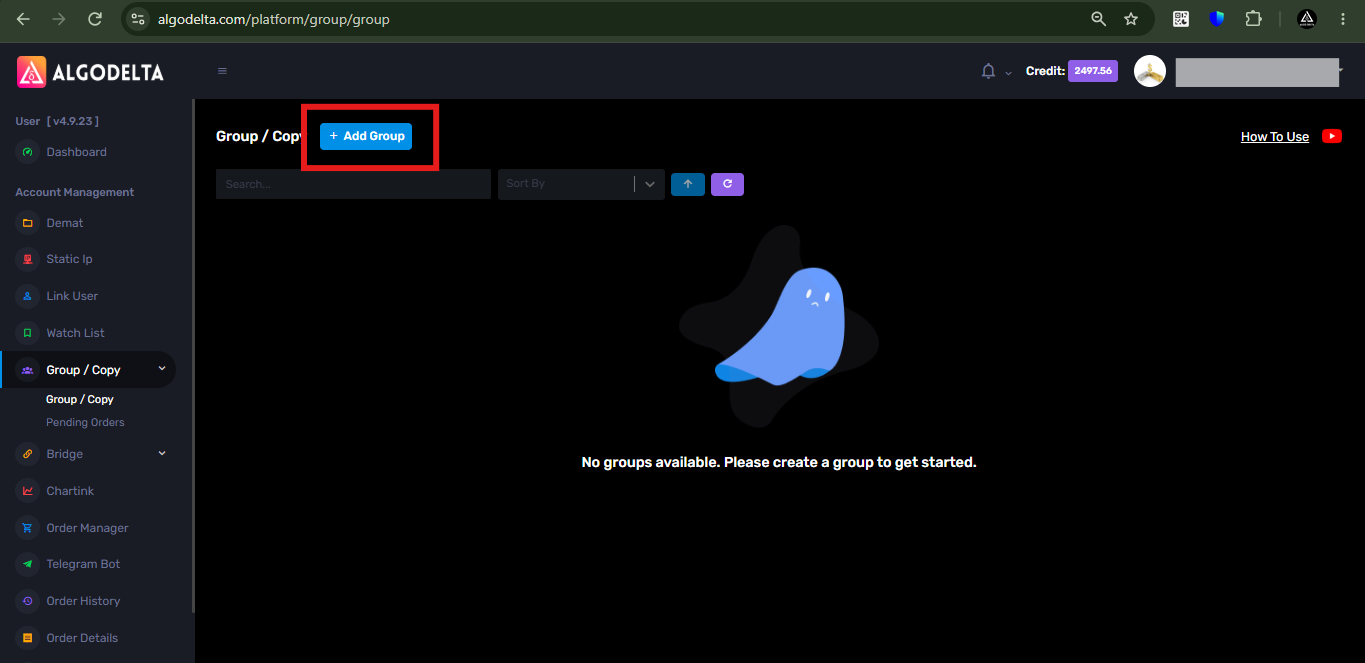
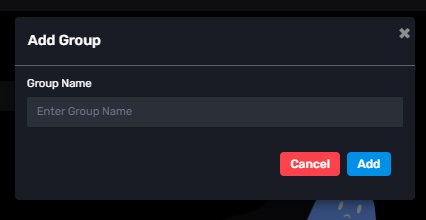
2 ) Then, click on the “Add Group” button and enter any name for the group.
3) Now, you can add this group to any AlgoDelta feature, such as Copy Trading, TradingView, Order Manager, Chartink, or Watchlist, and start paper trading without placing real orders.