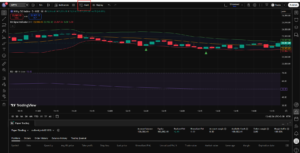
Yeah, indicator setup is slightly different from strategy setup.
In this you have to set the 2 alerts one for the Upside and the other for the DOWNSIDE execution.
Just follow these steps:
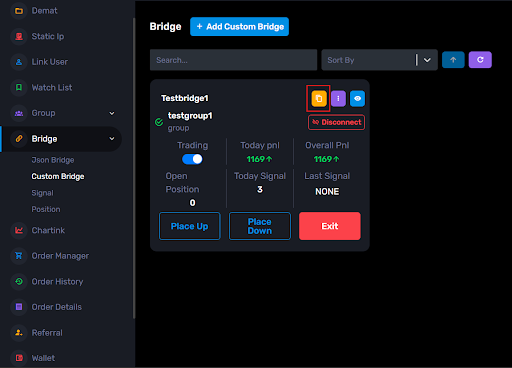
Step 1: Go to your Custom Bridge page and click the yellow copy icon and copy the webhook URL.
Step 2: Now open TradingView and apply your indicator on the chart.
Step 3: Click on Alerts (clock icon).
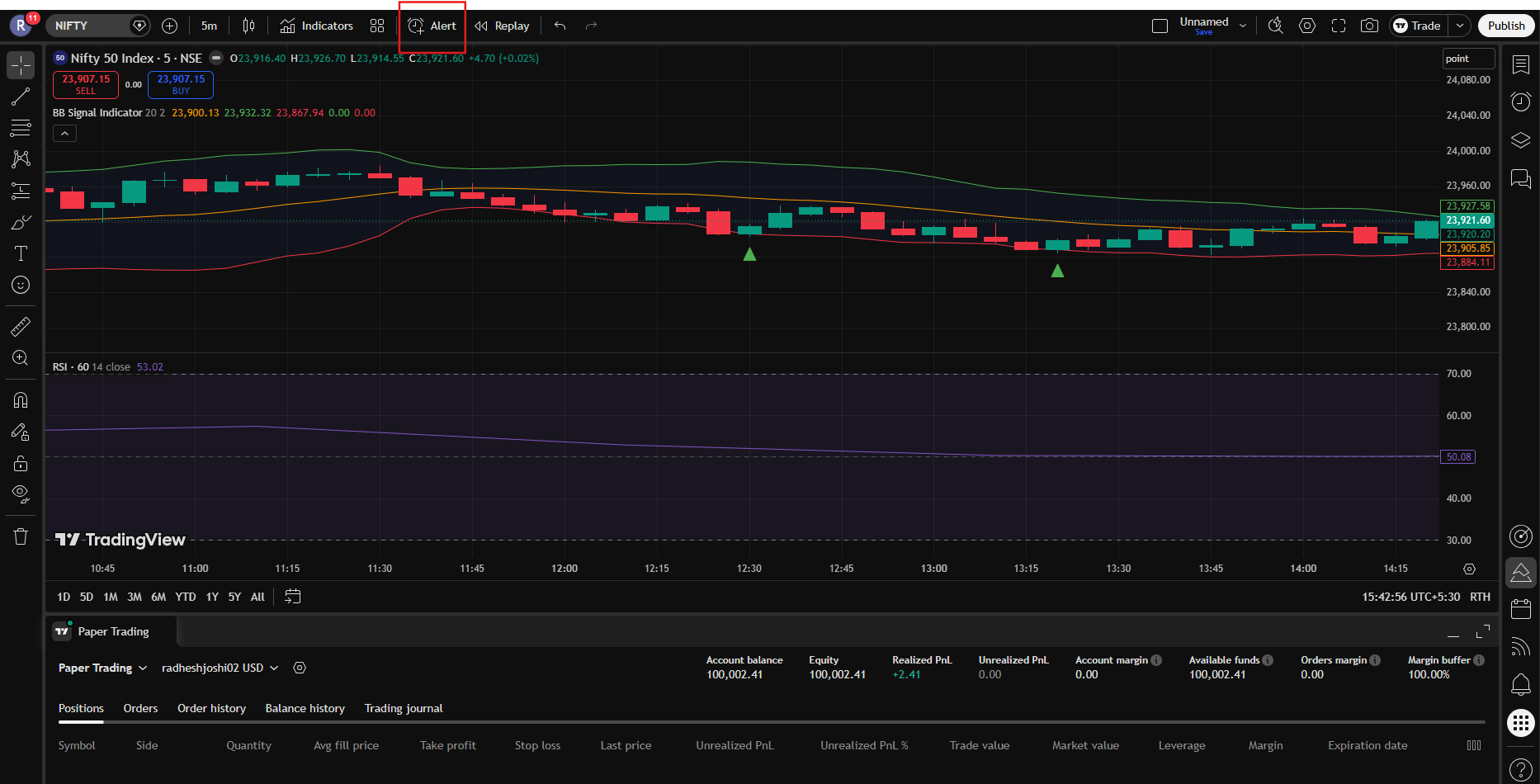
Step 4: In Condition dropdown, select your indicator.
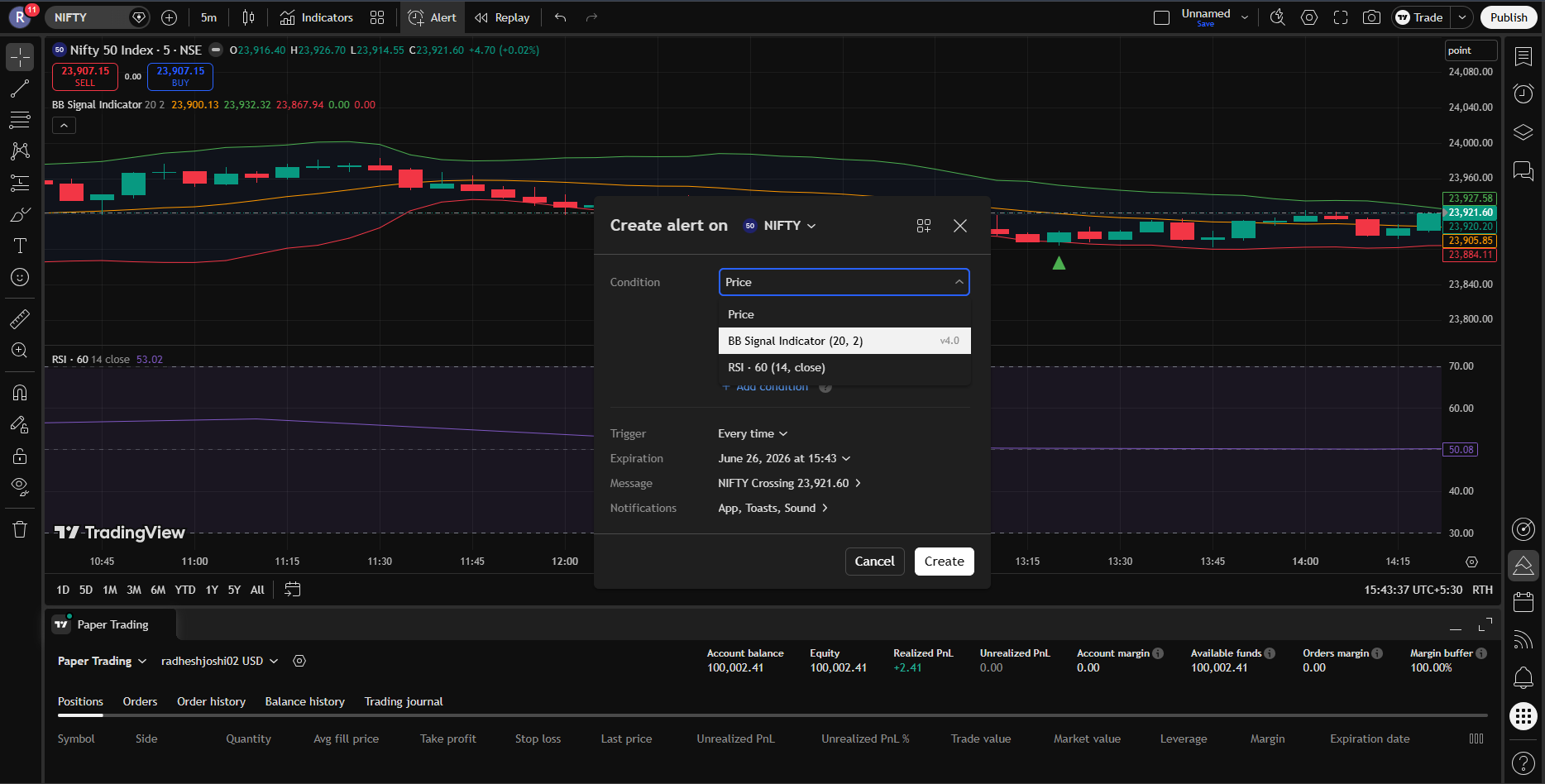
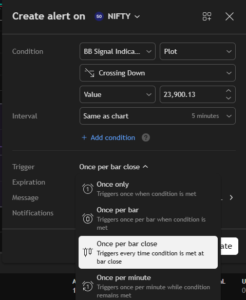
Step 5: Now in the Crossing dropdown, select -> “Crossing Up” for the UP-alert setup.
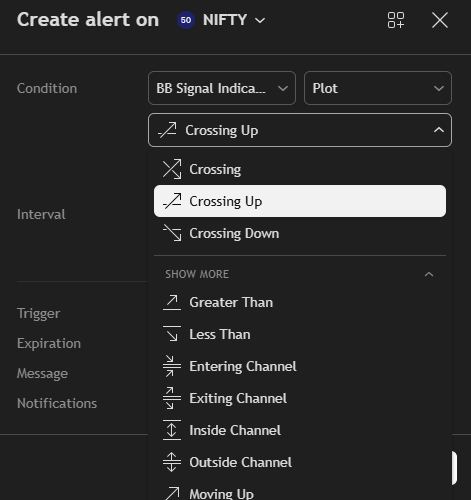
And select “Crossing Down” for the DOWN alert setup
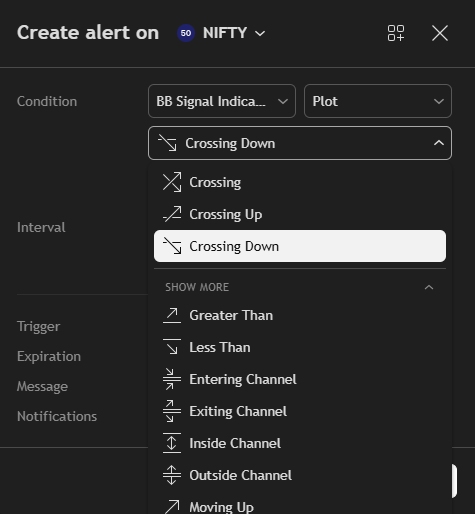
Step 6: In the Trigger option, you can select anything you want. But we suggest: Once Per Bar Close.
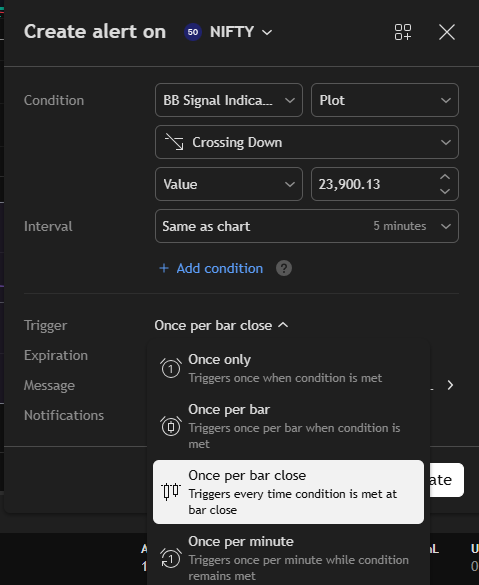
Step 7: In the Message box, enter -> “UP” (if we made an alert for UPSIDE Execution)
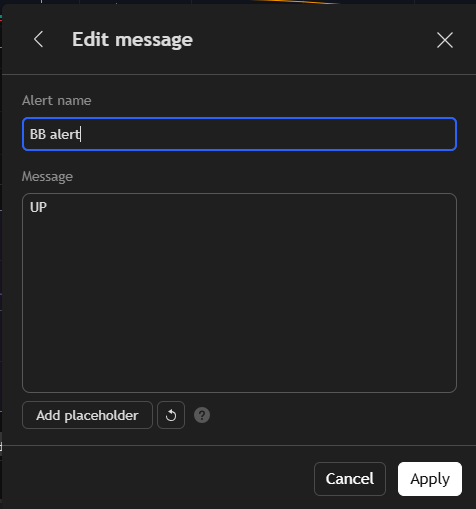
Enter “DOWN” (if we made an alert for DOWNSIDE Execution).
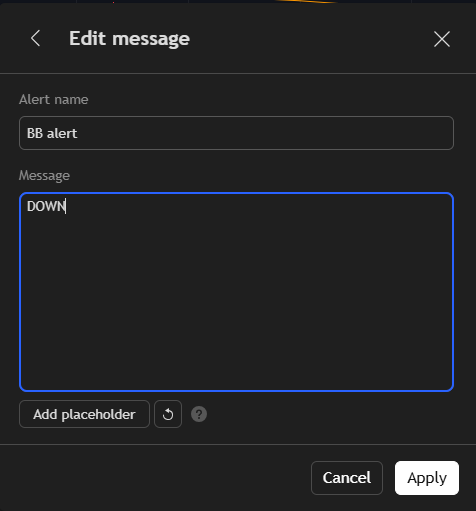
This is important because the UP signal triggers upside execution.
Step 8: Now go to the Notifications section -> Enable Webhook URL option -> Paste the copied webhook URL there -> Then save the alert.
=> Now whenever: indicator gives UP signal → upside execution runs
=> Note: To make the UP or DOWNSIDE alert just have to make a change in Step 7.
=> And if you still have some confusion you can refer to the video below: Connection with trading View

 comadmin